
Tax research, then put the answer to work

Research is rarely the end of the job. You look something up because a client's plan, estimate or return depends on it. Yet most research tools stop at the answer, and the work happens somewhere else.
In Instead, research happens inside the tax engine, next to the client. Ask what basis an heir takes in inherited property, what the Tax Court held about a fraud penalty on a joint return, or whether a scholarship fund kept its private foundation status. Then take the answer into the client's tax plan. And when a case comes up, ask which of your clients it touches.

Research, then put the answer to work
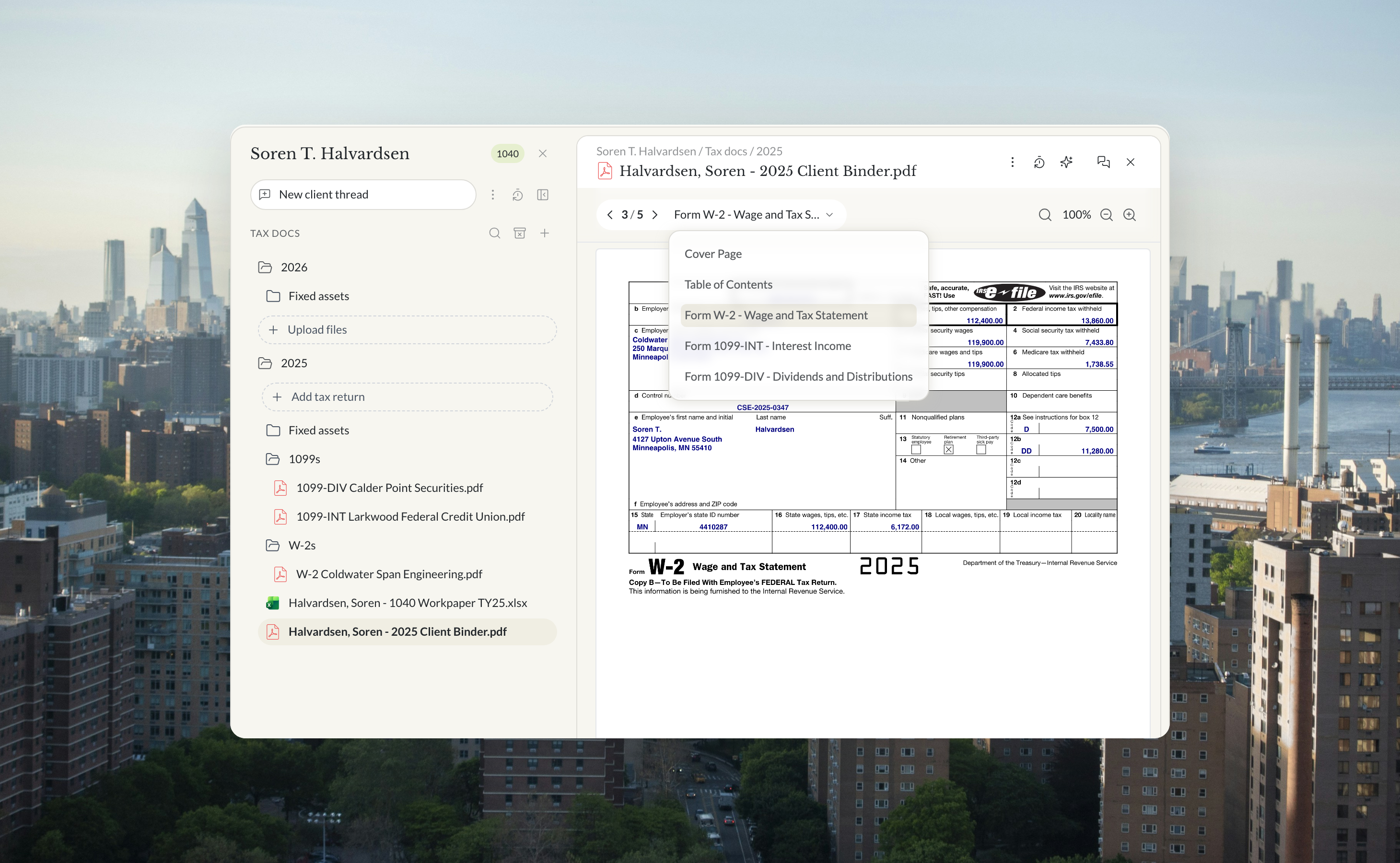
The answer and the client sit in the same workspace. From a research thread you can start the client's tax plan, carry the point into an estimate, or work it through the return. The reviewer sees the research and the work together. That is what a firm agent inside the tax engine makes possible.

Research across many clients at once
A case comes up, or the IRS changes a position. The question for a firm is not only what it says. It is which clients it touches. Ask the agent. It goes through your client list, sets aside the clients the rule cannot apply to, checks the rest, and reports back client by client, as a draft for your review.

Every source in plain sight
An answer is only as good as what the tool searched. In Instead, the agent searches a curated library of 156,948 documents across 124 source types first, and Source Explorer lists that library in full. It holds the Internal Revenue Code and Treasury Regulations, federal court opinions, Tax Court opinions, the Tax Court Rules of Practice, Tax Court orders and state court decisions. It holds IRS guidance, from publications and the Internal Revenue Bulletin to written determinations, audit technique guides and Chief Counsel advice. And it holds Congressional Research Service and GAO reports, Joint Committee on Taxation publications, tax treaties, and state and city administrative rules. New sources are added every day.
Browse it like a library, search it by citation, and pick up the sources you opened recently. Bookmark the ones you rely on.

Open the source, ask the source
Each answer sits beside its sources. Hover a citation to see the passage the answer relies on, and click it to open the source in Source Explorer. Highlight any line and ask about it, and the agent answers from that source. A reviewer can read what the agent read before anything goes in the file.

The web on your terms
Sometimes you want the latest news on a case or a state notice. Sometimes you want the answer to stay inside the authoritative library. Web search is a switch in the chat. Leave it off for the library only, and turn it on when you want the open web too. Primary sources stay one click away, from the U.S. Tax Court to IRS Publication 551 on the basis of assets.

How the alternatives compare
General AI models
General AI models such as ChatGPT, Claude and Gemini are excellent writers and can search the web. They do not come with a curated tax library you can browse, and they are not connected to your clients' returns.
Legacy research libraries
Legacy research libraries such as CCH AnswerConnect, Thomson Reuters Checkpoint and Bloomberg Tax hold deep editorial content, but you search and read them yourself. They have no AI research agent of their own (Thomson Reuters sells its AI, CoCounsel, as a separate product), and the library is usually a separate cost from your tax software.
Newer AI research tools
Newer AI research tools such as Blue J, CoCounsel Tax, Marble and TaxGPT answer with citations, and some draft memos. Blue J, CoCounsel Tax and TaxGPT can't turn the research into deliverable tax work, so it never ends up on the return. You need separate tools to prepare and file, and research is a separate cost outside your tax prep and filing product. Marble also advertises preparing returns for review, as its own subscription.
In Instead
In Instead, cited tax research is included in the tax engine. The answer goes into the client's tax plan, an estimate or the return in the same workspace, and one question can be researched across many clients at once.
If you are choosing, test any tool on your own hardest question and on a normal one. Ask to see its full source list. Open the authority behind the answer. Turn the web off and see what changes. Then take the answer into a client's plan and see how far it goes. More on running a modern practice in Instead for CPA firms, audit red flags and client communication workflows.

Free white paper
Tax research
Then put the answer to work
Researching inside the tax engine, next to the client, with every source in plain sight, then carrying the answer into the tax plan, the estimate and the return. Free PDF.
Download the white paperQuestions firms ask
What sources does Instead search?
A curated library of 156,948 documents across 124 source types, listed by category in Source Explorer and in the white paper that goes with this post.
Can I keep answers to the library only?
Yes. Leave web search off in the chat settings.
Can I check the passage an answer relies on?
Yes. Hover a citation to see the passage, click it to open the source.
Can I research across many clients?
Yes. Ask which of your clients a case or rule touches. The agent checks your client list and reports back client by client.
Is the answer final?
No. Like every agent output in Instead, it is a draft for your professional review.




.png)